


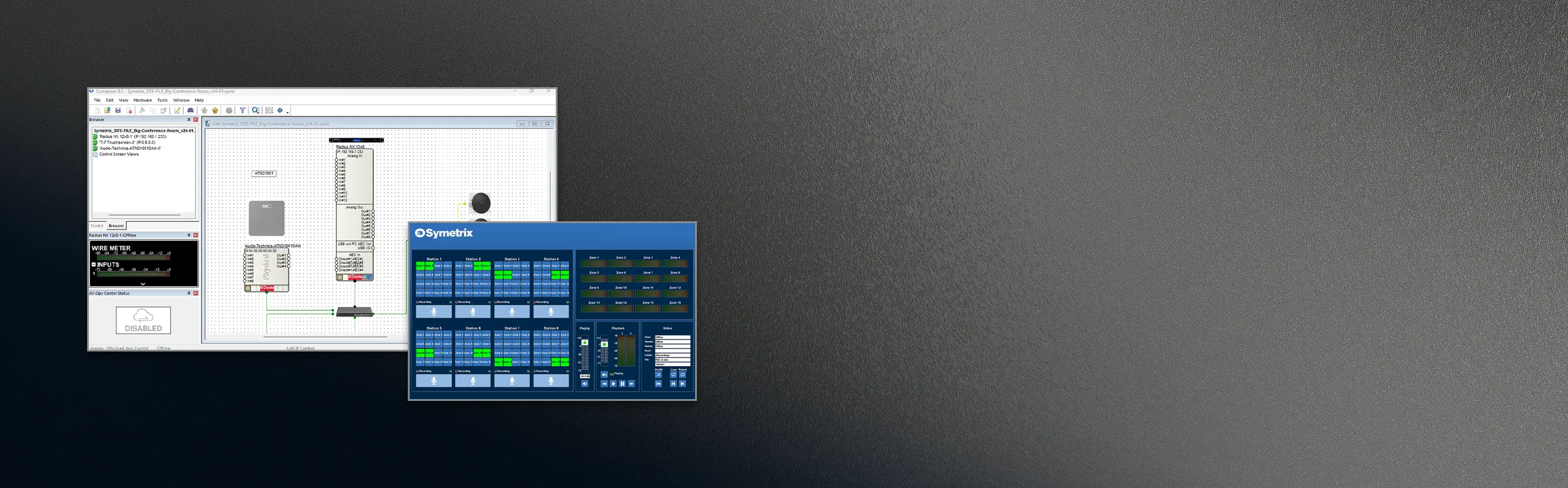
Design, Configure, and Control with Composer
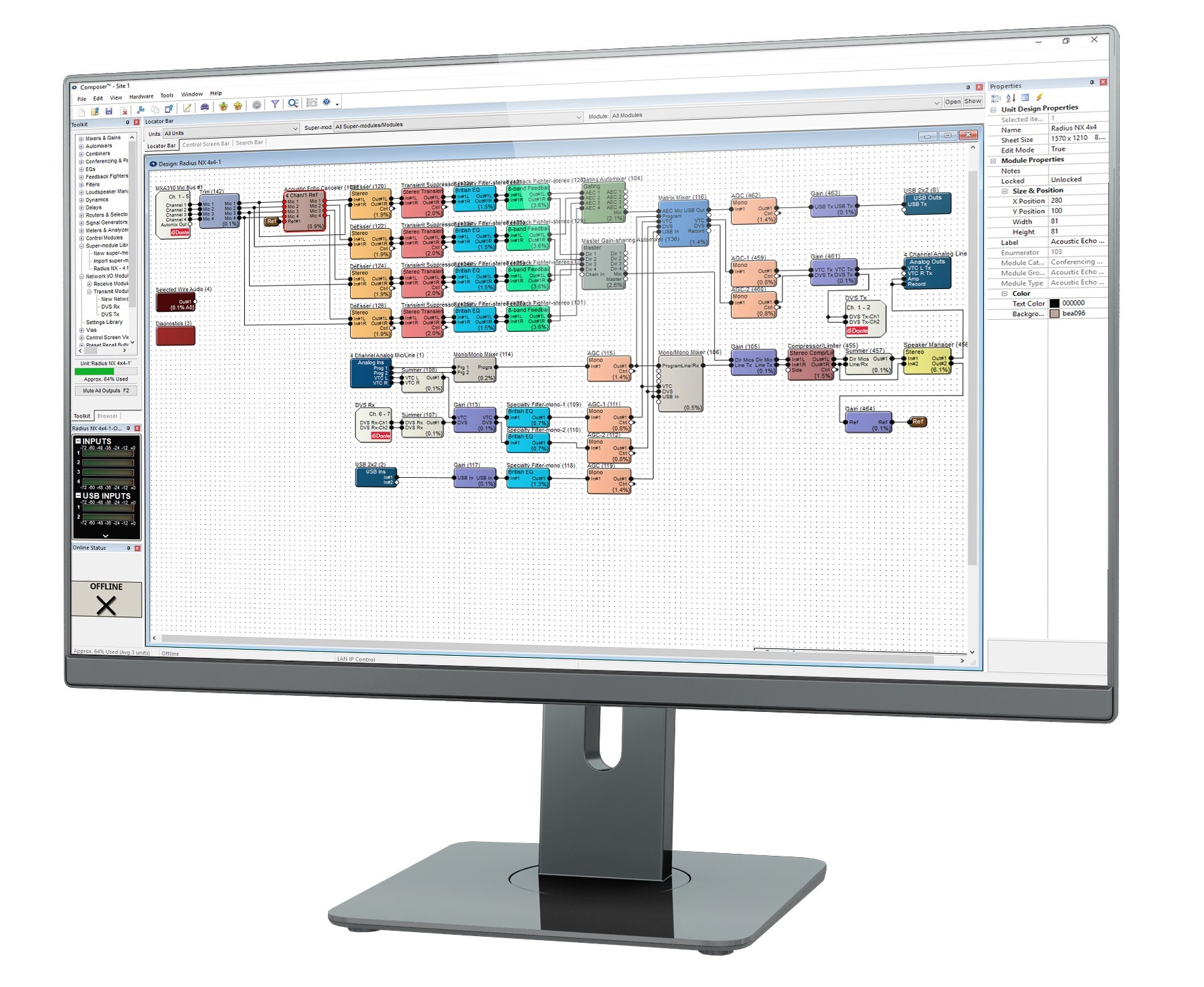
Composer provides complete configuration of Symetrix and third-party ecosystem components, SymVue customized user interface creation, event scheduling, preset controls, local and remote logic output programming, DSP and control security, integration with Symetrix and third-party control systems, and detailed site design.
Download software >
From Site Design to Control Screens—all in Composer
What You Can Build with Composer
- Comprehensive Site Designing
- Lua Scripting and Control Module System Control
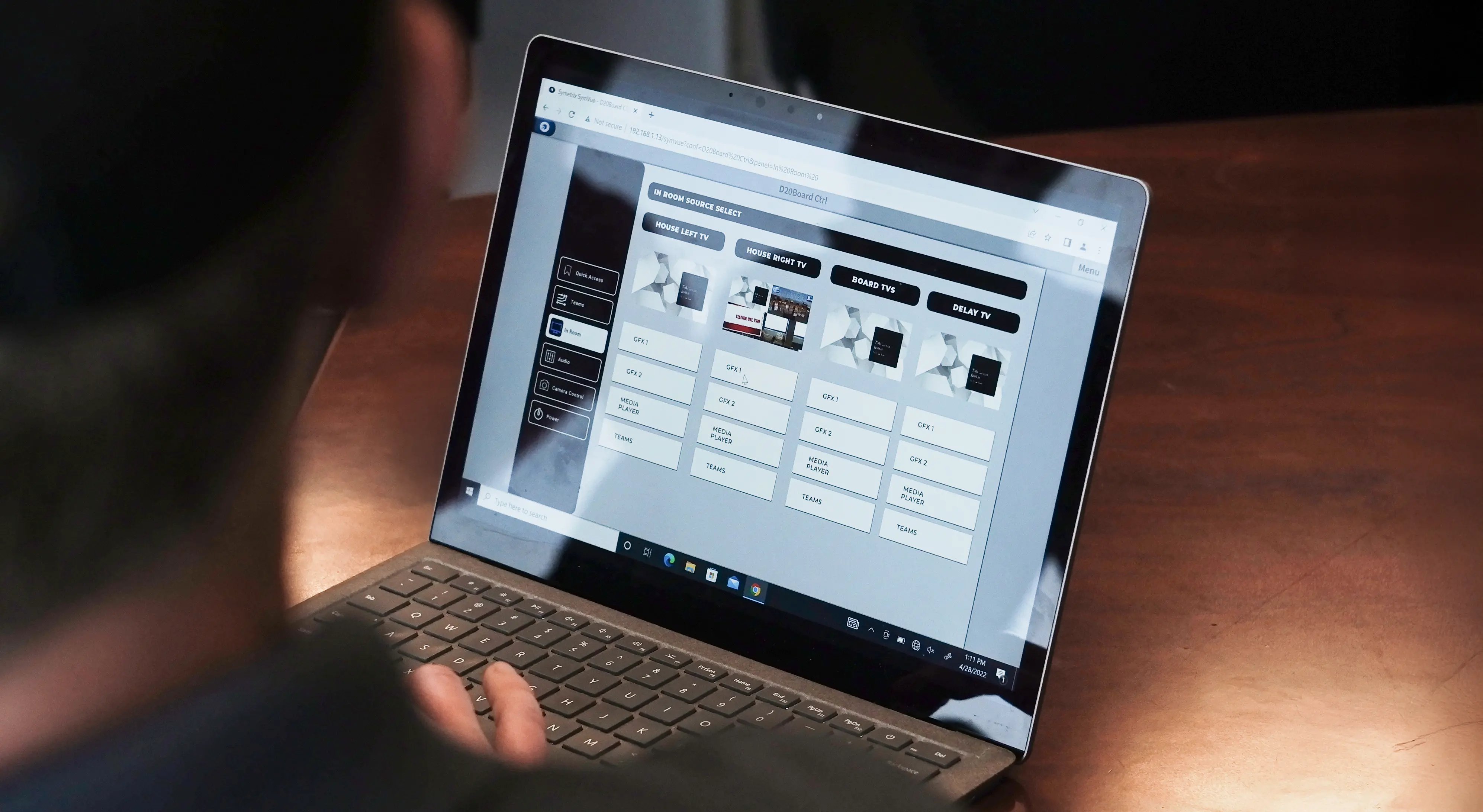
- SymVue Custom Control Interface Design
- Logic Programming

Define digital media processes in a straightforward programming environment to perfectly match specifications and conform as requirements change or evolve.
Manage any number of Dante IP audio protocol transmit and receive channels of audio on Gigabit networks for system design flexibility.
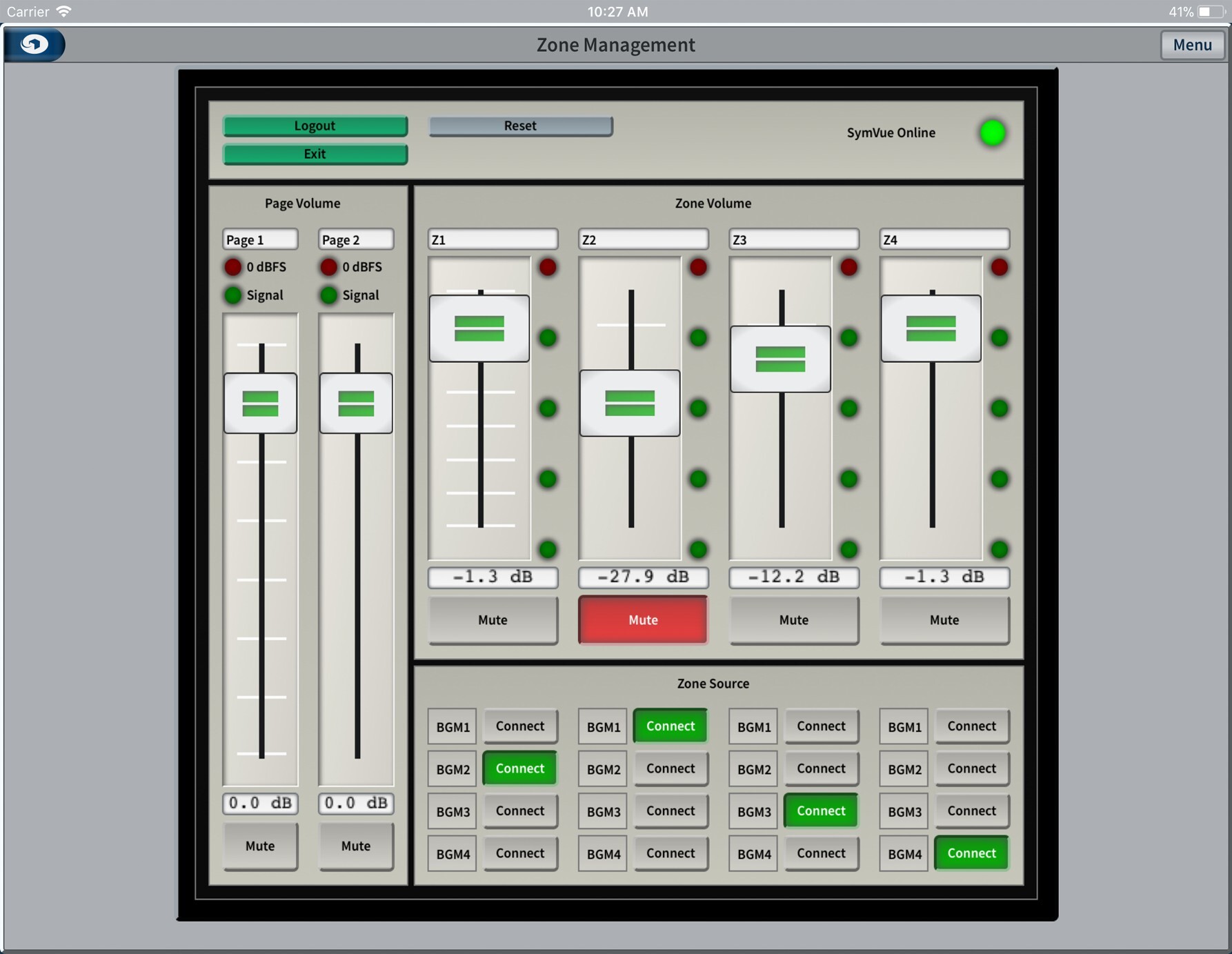
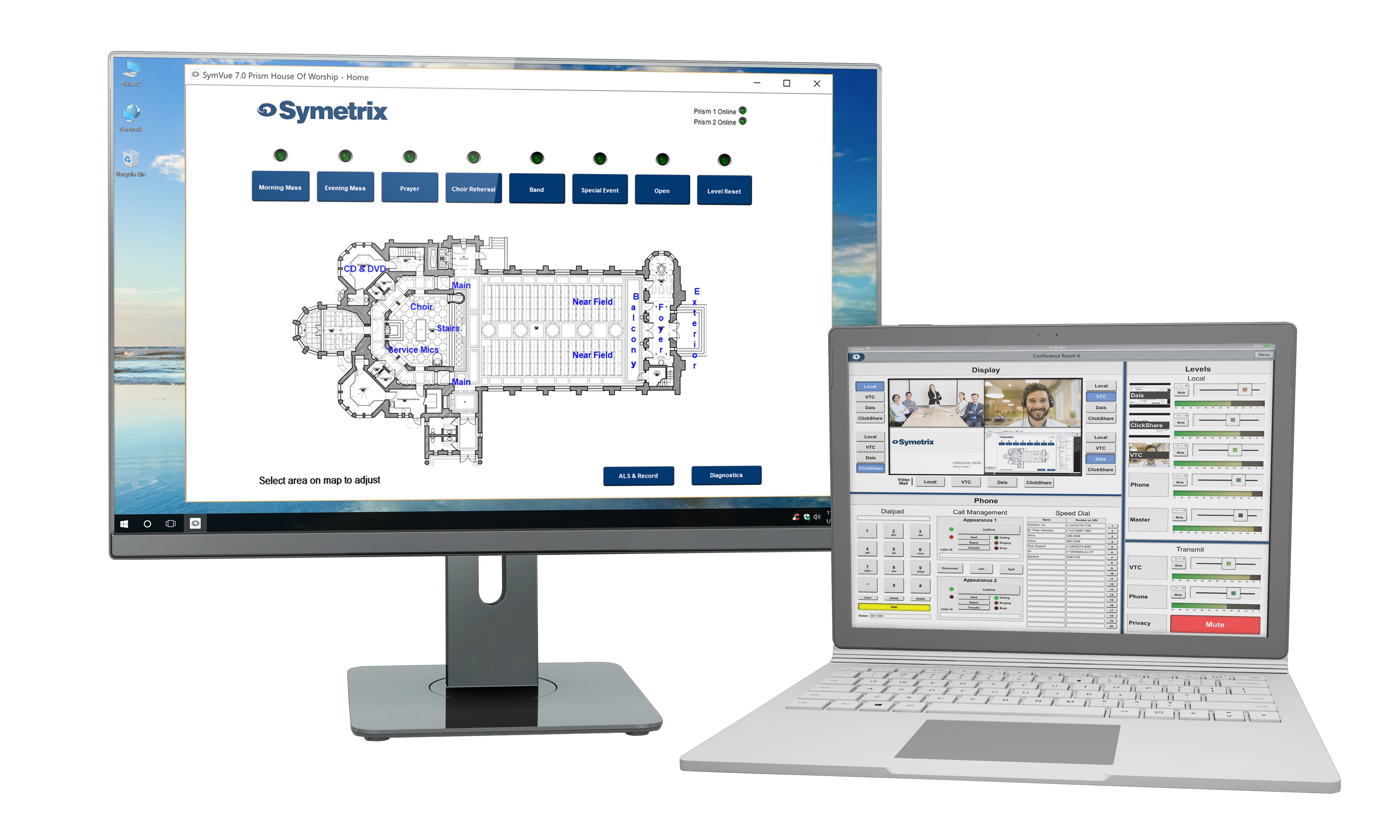
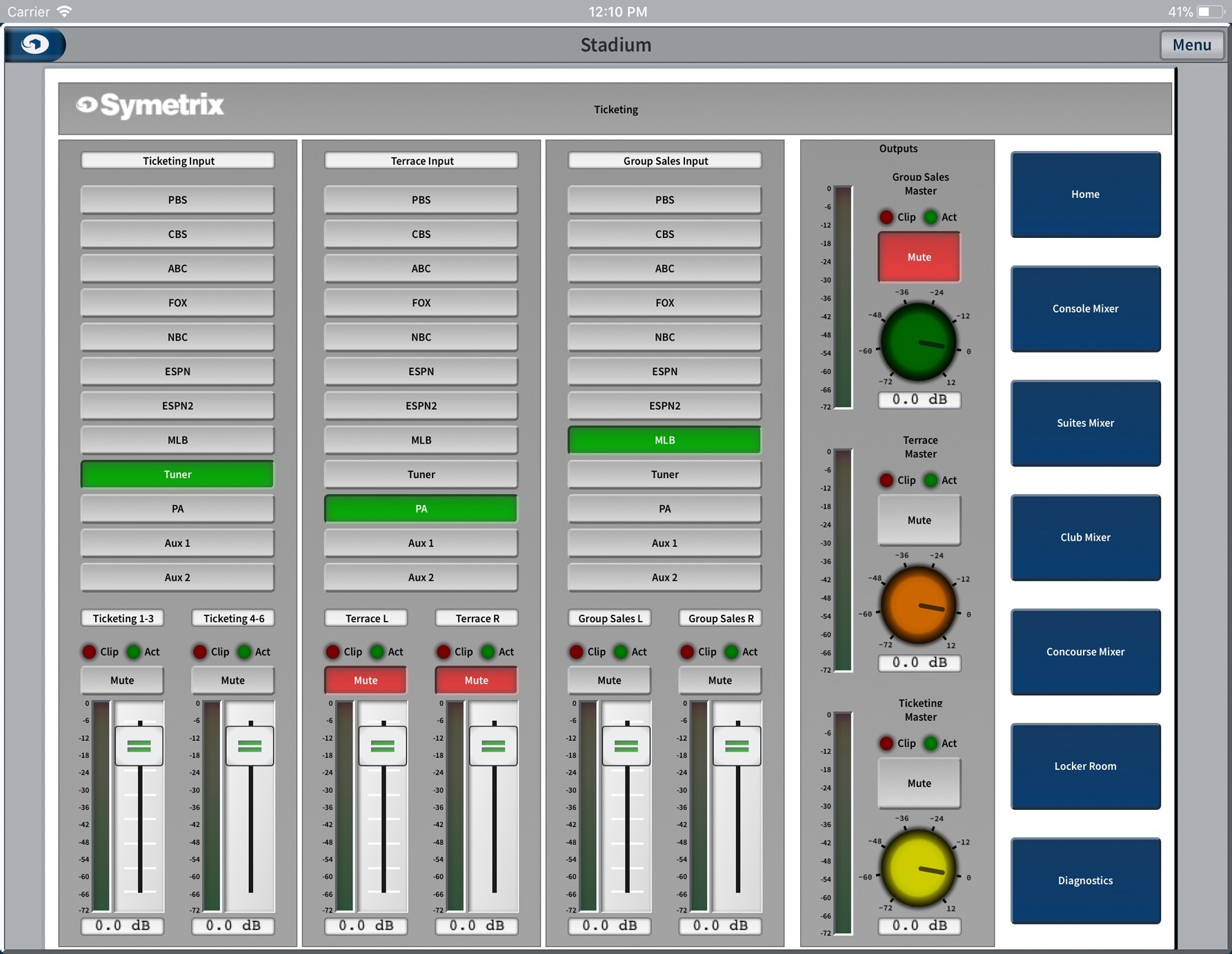
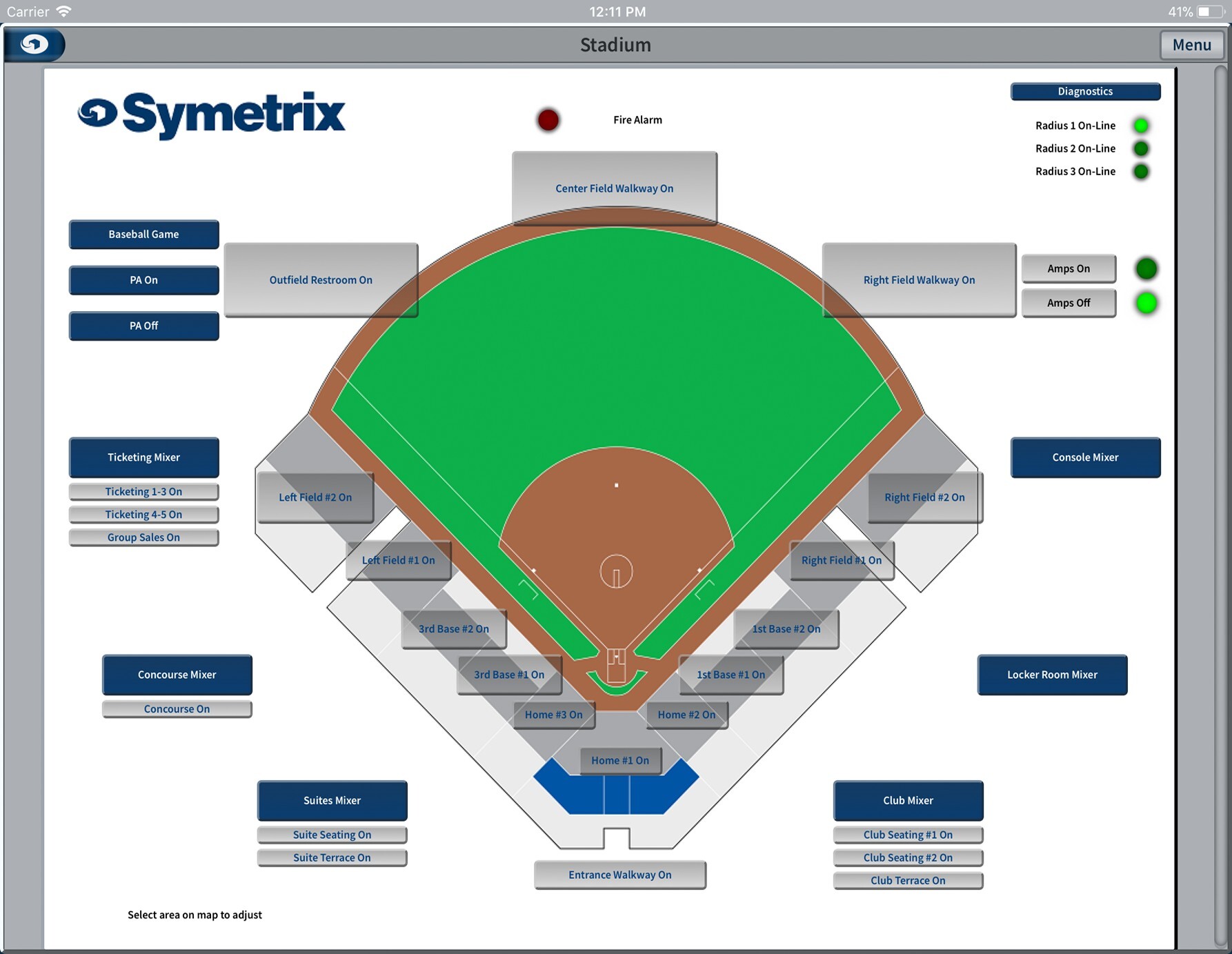
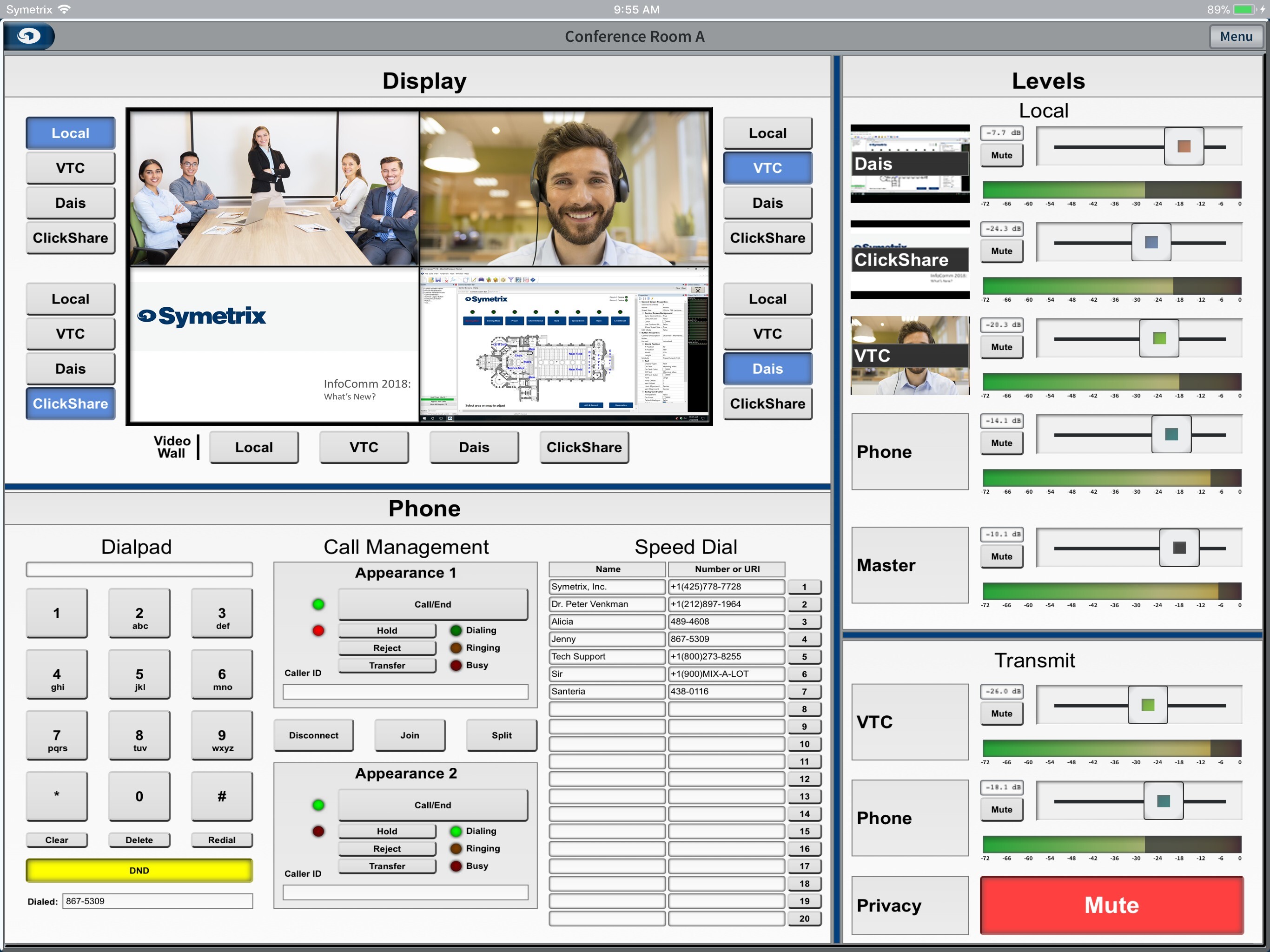
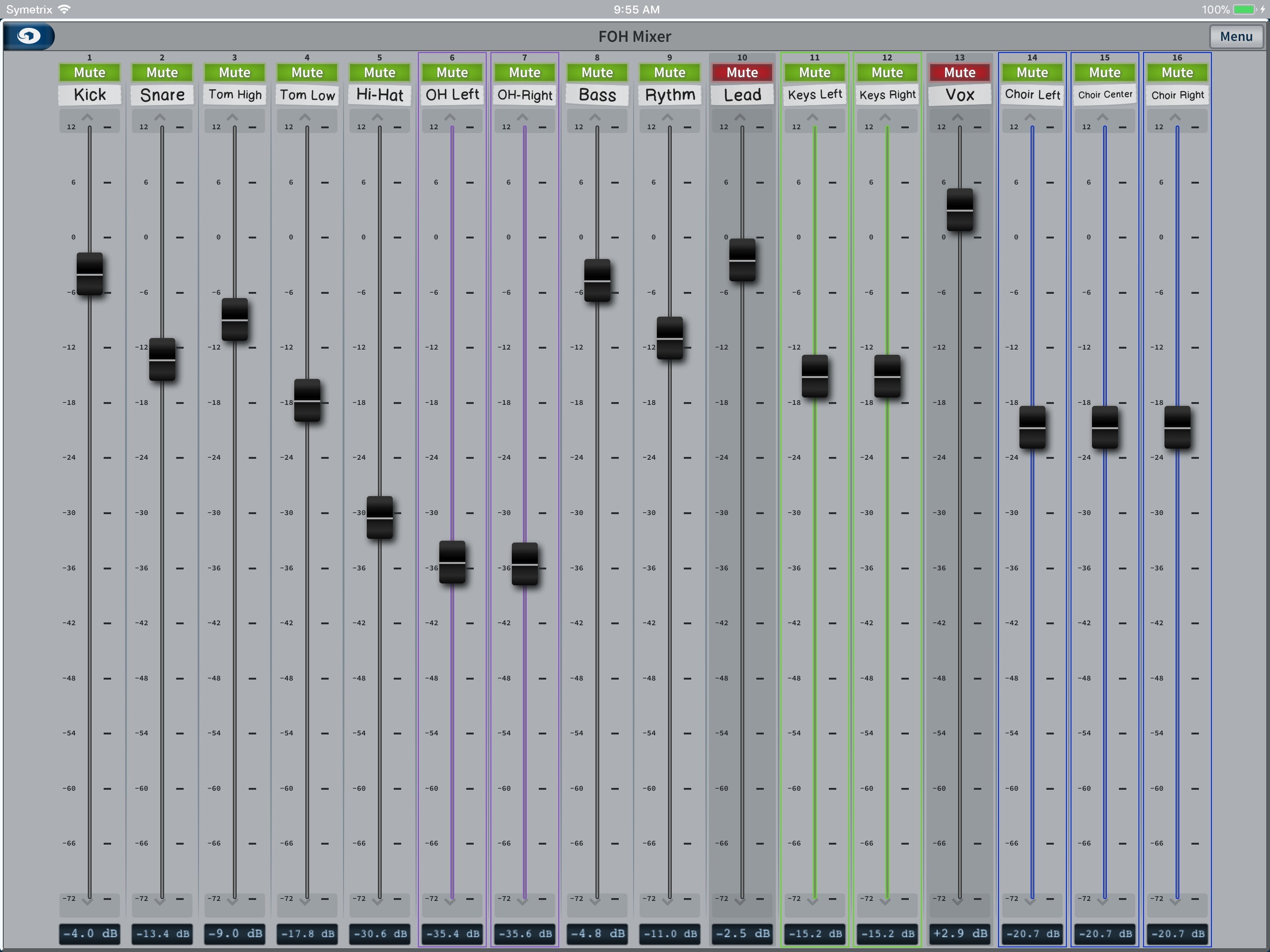
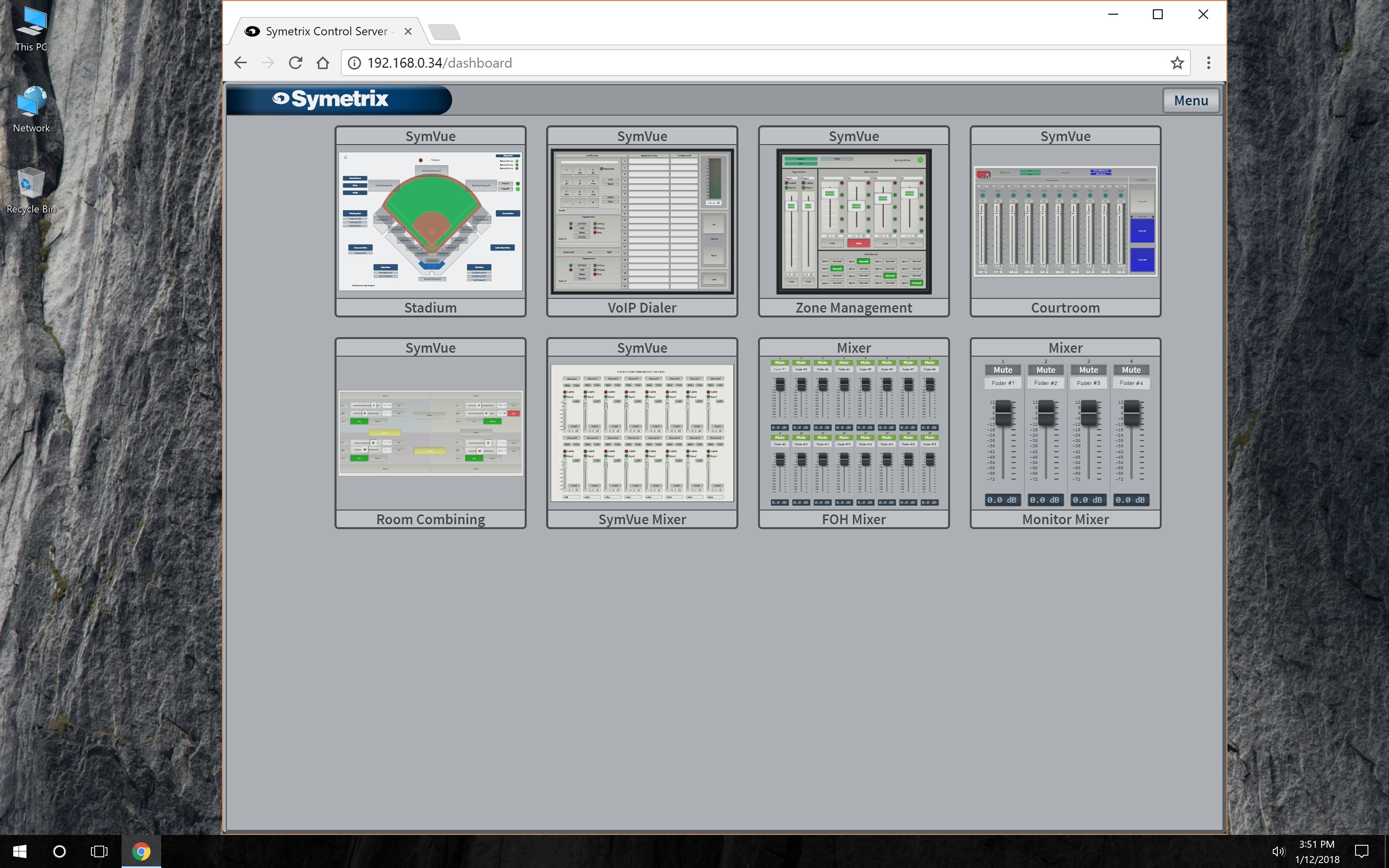
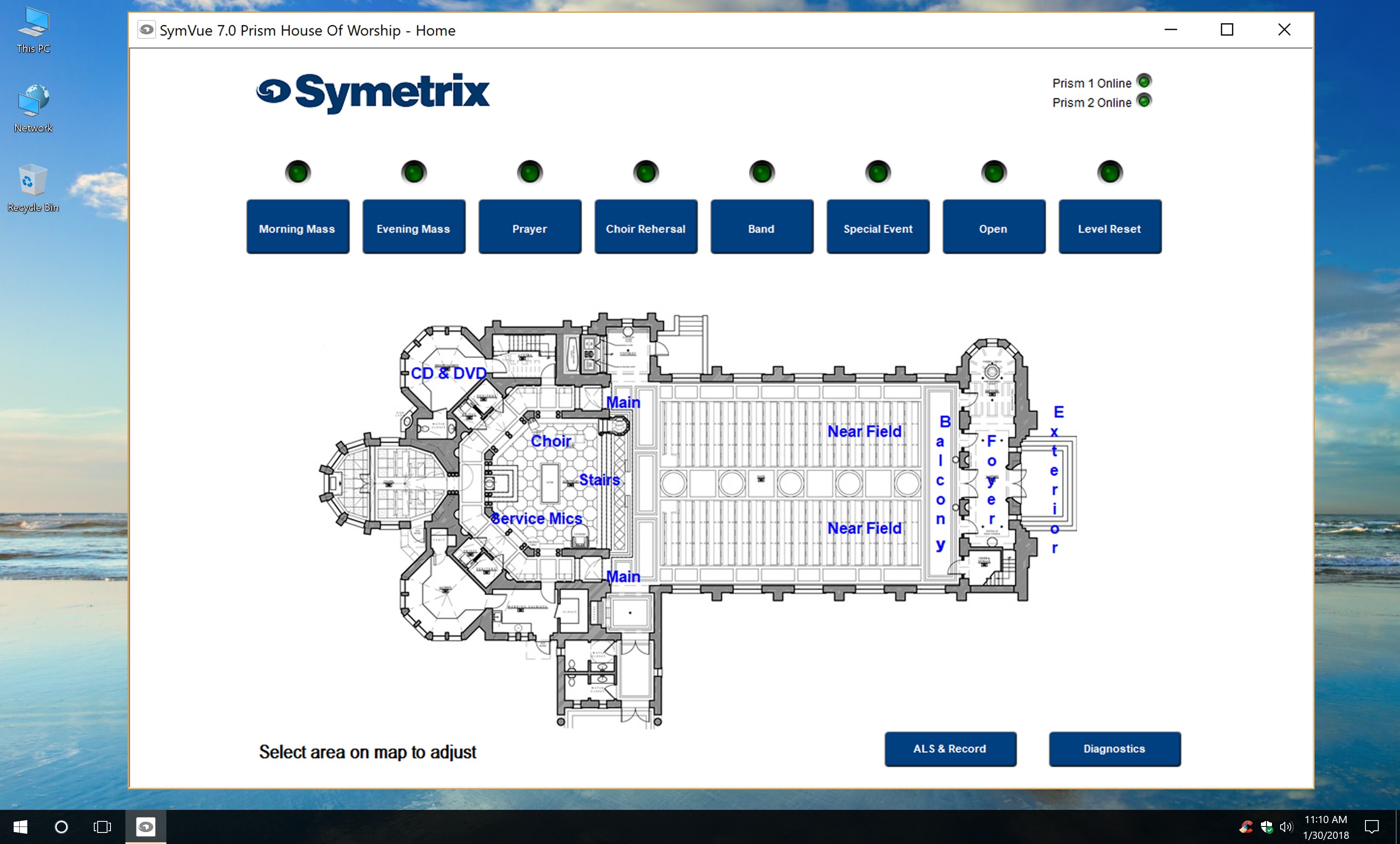
Use the included SymVue authoring software tools to easily create specific graphical user interface pages, called Control Screens, in minutes.
Integrate the Symetrix ecosystem plus a wide range of third-party products to route signals, assign end points, control devices, and more.
Composer Capabilities
- Comprehensive Site Designing
- Solution Management
- Dante Integration
- SymVue Control Interface Creation
- Control Presets
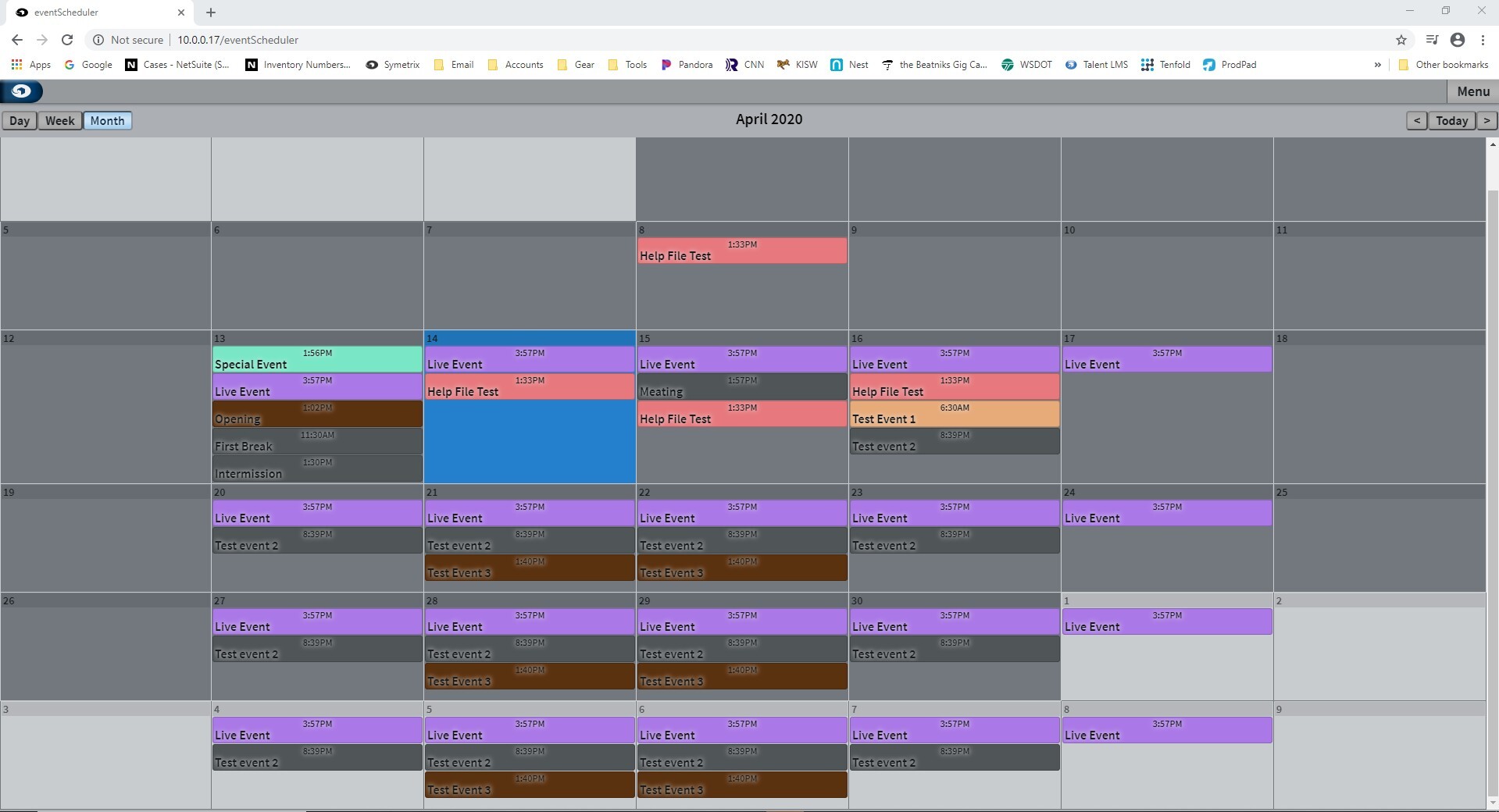
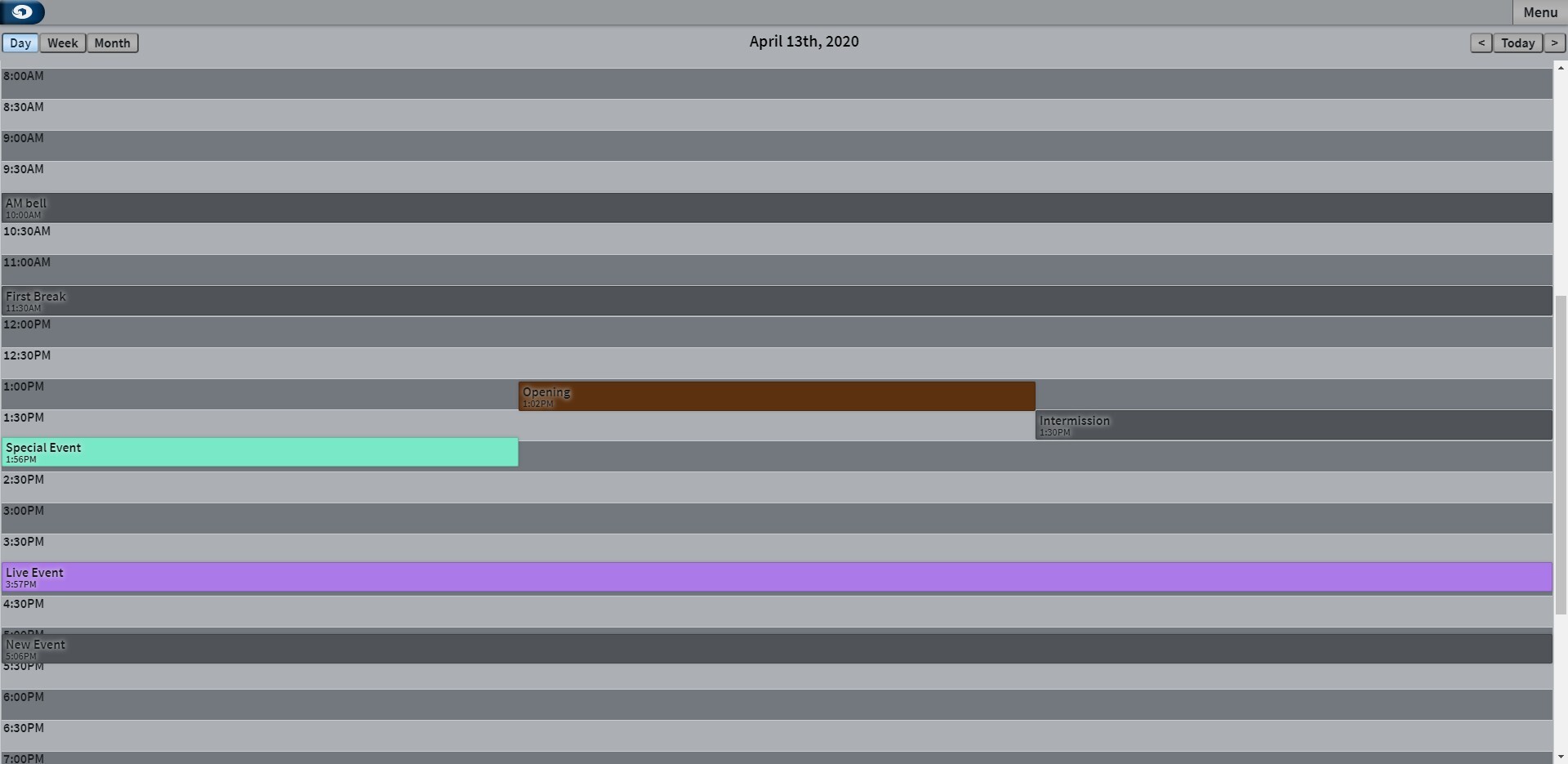
- Event Scheduling
- Logic Programming
- System Security
- System Control
Get Trained and Certified

New to Composer software? Start by taking the Introduction to Composer course
Looking to advance your skills? Enroll in the Core Concepts for Open Architecture AV Design certification course.
Third-Party Control Integration
- Control of Symetrix DSPs from third-party RS-232, UDP/IP, and TCP/IP devices is enabled using Composer Control Protocol.
- Composer supports a variety of Symetrix and third-party remote controls.
Programmable Interfaces and Control Devices
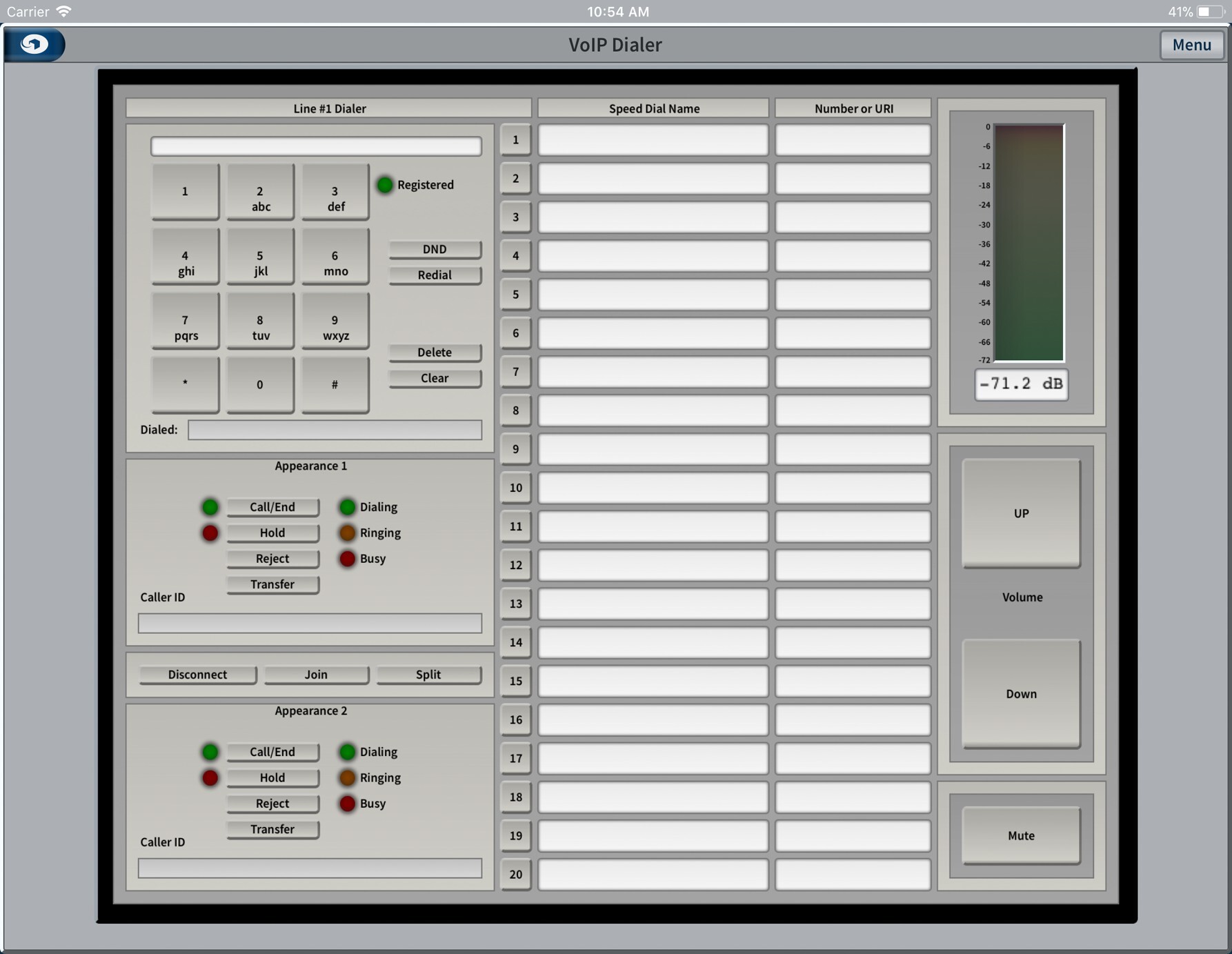
- Symetrix T-Series touchscreens, telco dialers, W-Series Remotes, ARC controllers, ARC-WEB, Control Server, and SymVue interfaces are programmed directly from Composer.
Dante Configuration
- Native configuration for setup and routing of Symetrix Dante I/O Expanders and third-party Dante audio and video endpoints.
Audio Processing
- All classes of audio processing modules for signal routing and shaping are provided.
- Application-specific modules address special purpose requirements like conferencing and room combining.
SymVue Interface
- The Composer software includes SymVue interface authoring. SymVue is also available as a stand alone software application.
- Commonly adjusted control objects, indicators, and labels are chosen and configured into sets of attractive, easily accessible multi-user screens created and tested offline without any script writing or coding and then exported with SymVue.
- SymVue interfaces are targeted at Symetrix Control Server, Symetrix T-Series touchscreens, and Microsoft Windows computers and tablets.
- With SymVue, designers exercise complete discretion over colors, fonts, custom symbols and graphics to satisfy exact requirements.
- SymVue control screens work alongside Symetrix W-series Remotes, ARC Wall Panels, ARC-WEB, and third-party control systems. Parameter changes and indicators on all control devices are kept in perfect synchronization.
SymVue Licensing
- SymVue is licensed without charge for an unlimited number of Symetrix T-Series touchscreen and Windows configurations.
- Five SymVue for Control Server configurations are free of charge with additional licenses available for purchase in blocks of five.
| Models | P/N |
|---|---|
| SymeVue App - 5 Licenses | 20-0027 |