








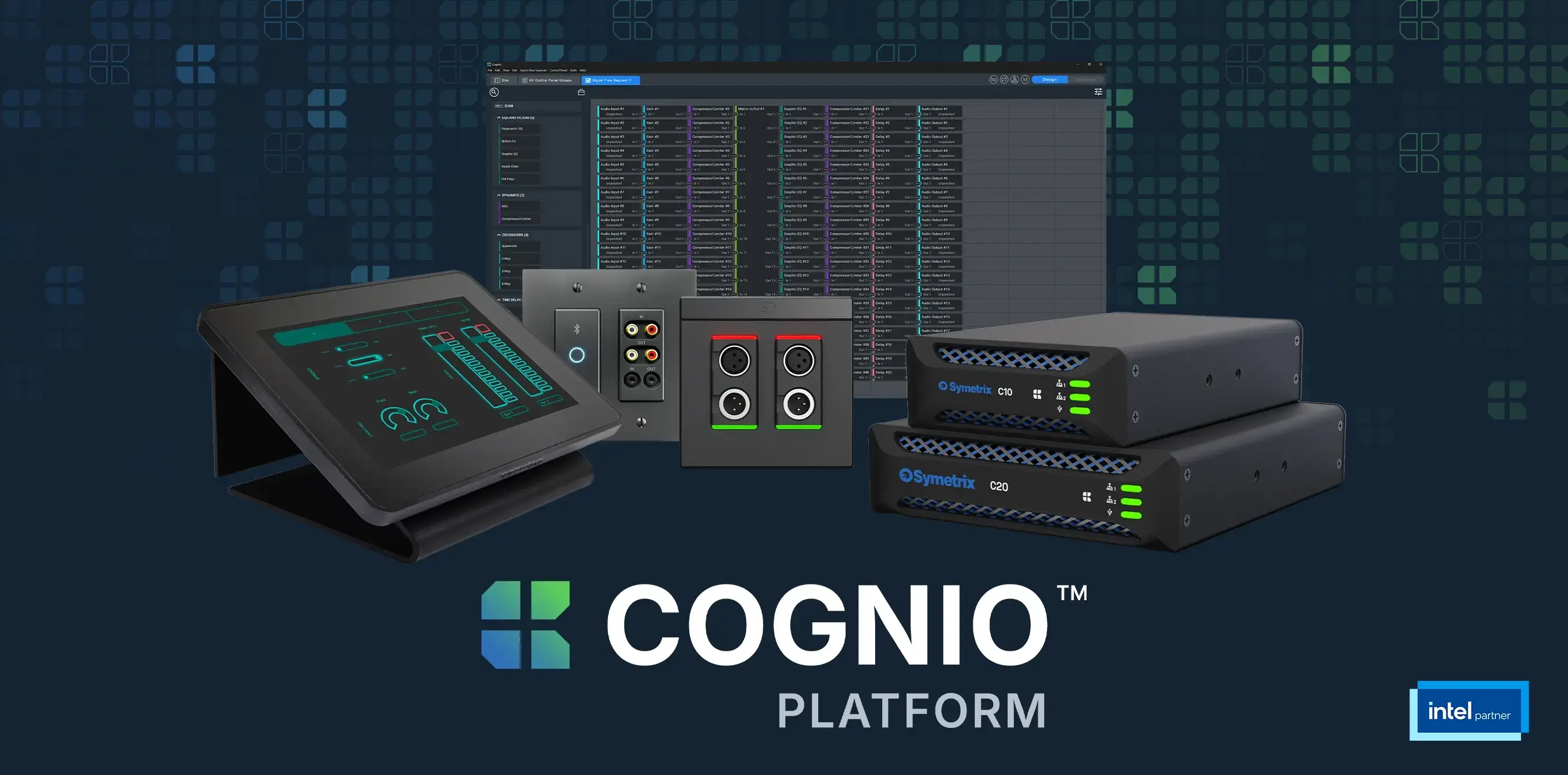


Cognio DesignOps Software: Why Better AV Starts at the Control Interface
Modern AV demands control experiences that are intuitive, attractive, and easy to adapt. In Symetrix’s on-demand webinar, discover how Cognio DesignOps Software helps teams build polished interfaces faster, reuse them across projects, and deploy control wherever users need it.
An AV system can be technically sophisticated, perfectly commissioned, and capable of managing an entire room, but none of that matters to the person standing in front of a control interface they cannot understand.
For end users, the control interface effectively is the AV system. It is where they choose a source, start a meeting, adjust the volume, control a camera, or prepare a room for an event. If that experience feels confusing and clunky, or is inconsistent across spaces, the entire system feels harder to use than it should.
Traditional control interface development has frequently depended on specialized programming, separate graphics workflows, dedicated hardware, and considerable time spent recreating similar screens for every room or project. Even simple changes can introduce additional handoffs and development work. As AV systems expand across buildings and campuses, those limitations become harder to ignore.
Modern AV needs a different approach.
Control Design Should Start with the Experience
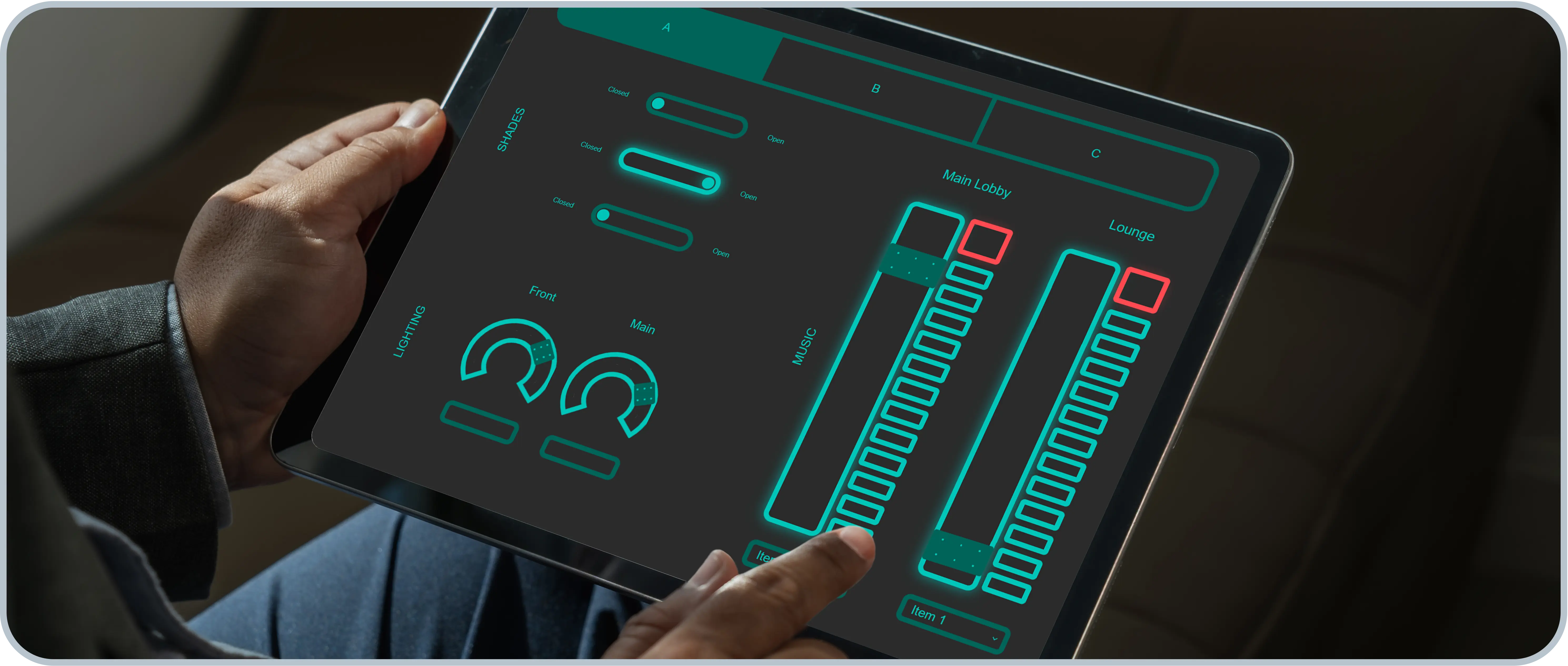
A good control interface is more than a collection of buttons; it should make the system’s behavior immediately understandable. Users need to know which source is active, whether a microphone is live, whether a room is powered on, and what will happen when they select a control. Clear labels, logical navigation, visual feedback, and consistent behavior all help create confidence.
And in the year 2026, there’s no reason that control interfaces can’t be designed with appearance in mind, going beyond basic icons to deliver a branded experience that matches the space. Plus, attractive controls are not simply decorative; color, contrast, icons, spacing, and additional design elements help users clearly understand what the system is doing. All of these design choices signal that the complete system was designed with care.
Cognio DesignOps brings interface creation directly into the system design workflow. Designers can build a Control Panel Group from scratch, add faders, meters, buttons, toggles, labels, navigation, and other controls, then map those elements to the system when the design is ready.
That flexibility changes the sequence of the work. Teams can begin with the audio design, start with the user interface, or develop both in parallel. Controls can be created before every system detail is finalized and easily mapped or remapped as the project evolves. The design process adapts to the team rather than forcing the team into one rigid workflow.
Professional Custom Interfaces, No Graphic Designer Needed
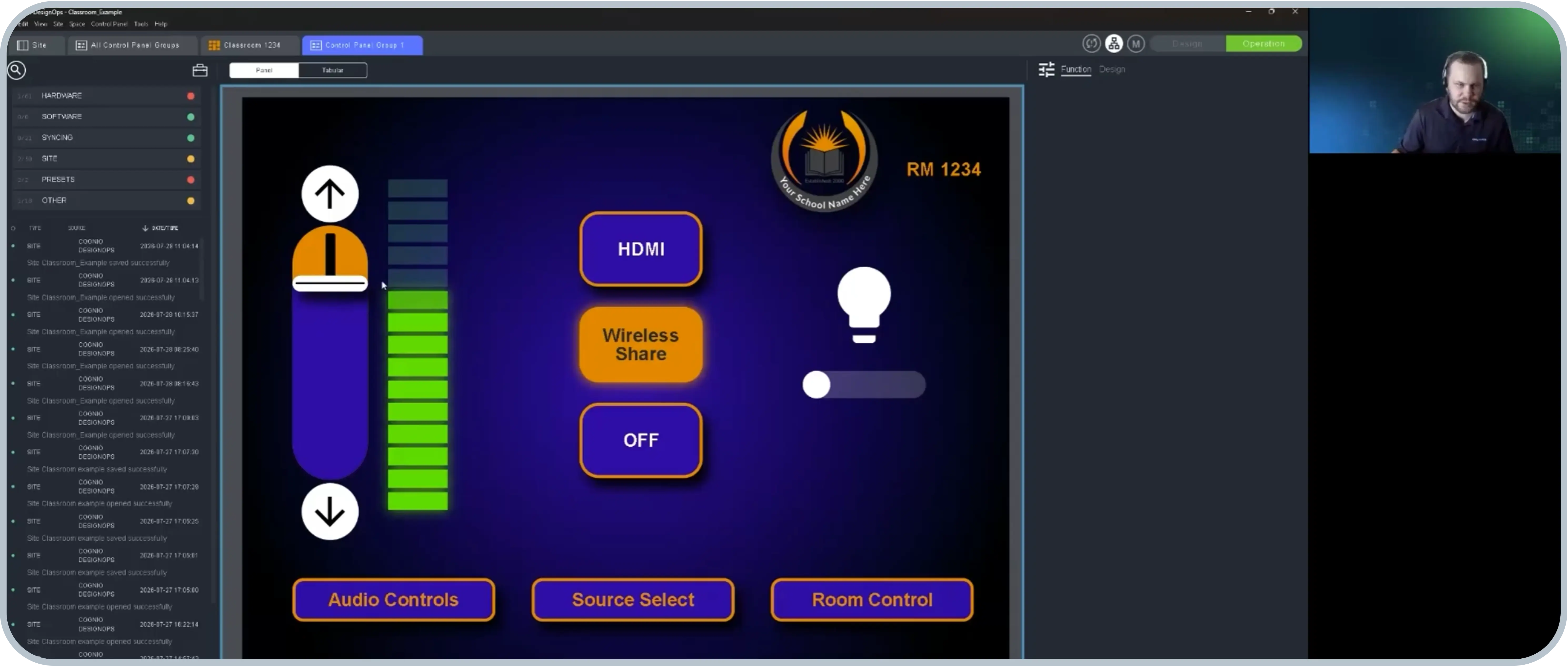
Cognio gives designers extensive control over how each interface looks and behaves. Colors, typography, borders, gradients, shadows, glow effects, custom images, logos, and built-in icons can all be incorporated within DesignOps Software.
A designer might use color and illumination to show that a source is active, add a responsive meter so an instructor knows a microphone is live, or create an interface that matches a school, company, or venue’s visual identity.
These interfaces can also be tested before the system reaches the site. DesignOps’ offline emulation allows teams to interact with controls, verify their mappings, and see how meters and system states will behave. Problems can be identified while the designer is still at a desk, rather than while a crew is waiting during commissioning.
The result is not only a better-looking interface, it’s also a more predictable project.
Design Once, Then Build on What Works
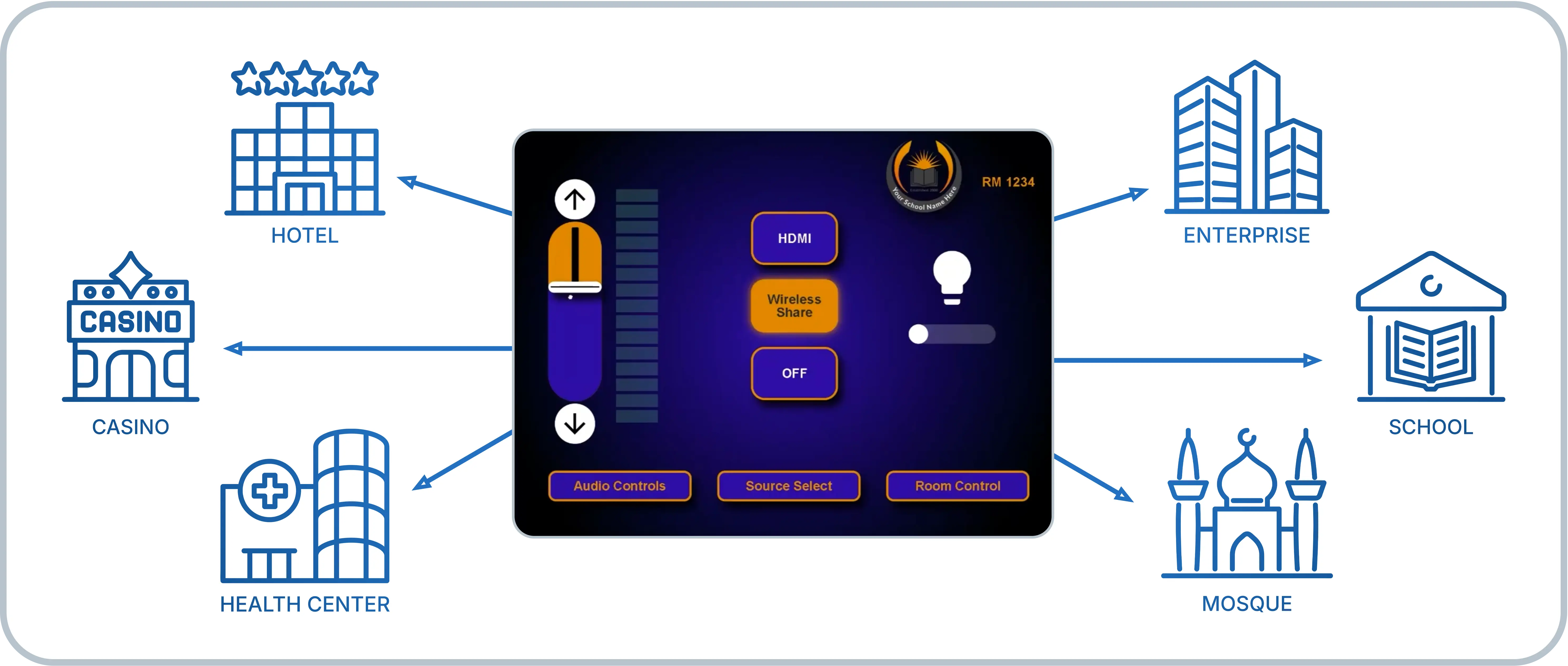
One of the biggest opportunities in modern control design is reuse. Integrators regularly deliver variations of the same room across offices, classrooms, retail locations, and hospitality environments. Yet traditional workflows can turn each space into another custom programming exercise.
With Cognio, a complete room can be duplicated with its control interface and system relationships already in place. Individual spaces and Control Panel Groups can also be exported and imported into other designs.
Reusable themes take this further. Teams can create a visual style once, apply it across an existing interface, and use it as the starting point for future controls. The same functional design can be adapted for another customer without rebuilding every button, fader, and meter.
This makes good interface design an asset the business can continue using, rather than a one-time deliverable.
Control Access That Makes Sense for Your Space
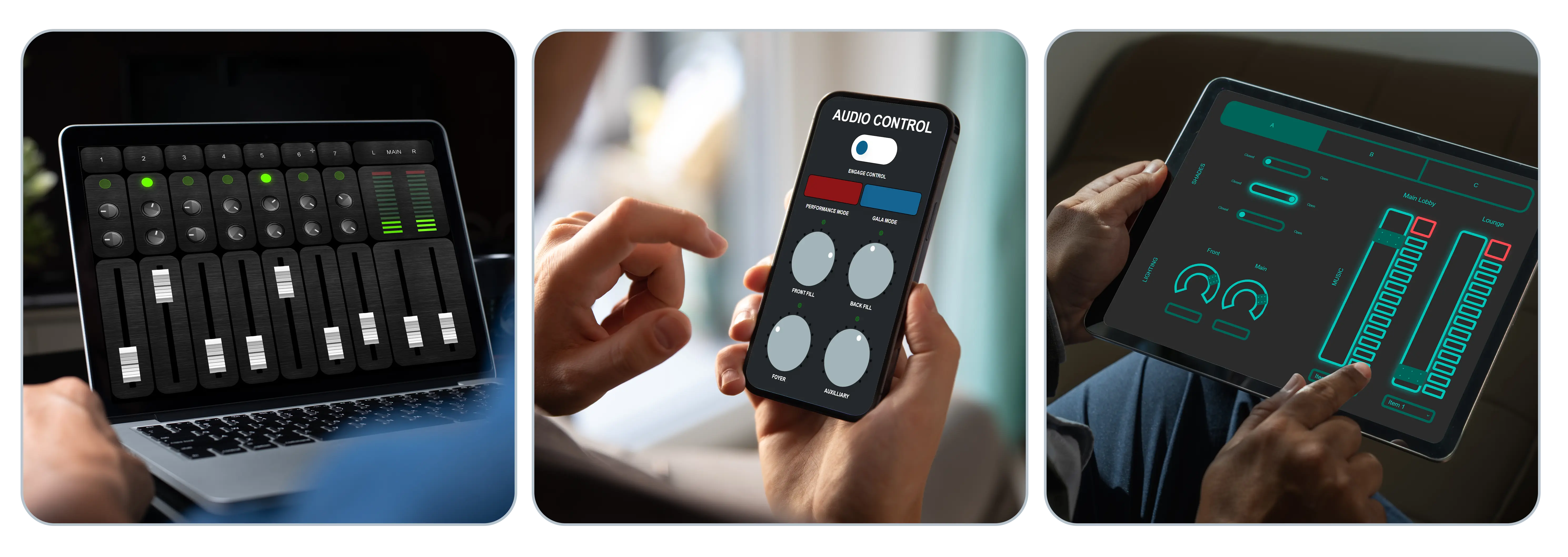
Users increasingly expect to interact with their AV systems through browsers, tablets, laptops, phones, and other familiar devices. Cognio Control Panel Groups are browser-based and can be hosted across the Cognio product family as well as third-party devices, allowing users to access an interface from the device that best fits the space and application.
A system can use a fixed control station, a personal device, or a direct URL configured for kiosk-style access. The control experience remains consistent, even when the physical device changes. Because control processing and browser-based interfaces are included with Cognio products, teams can provide flexible access without treating every additional interface as a separate control-server decision.
One Interface for the Complete System
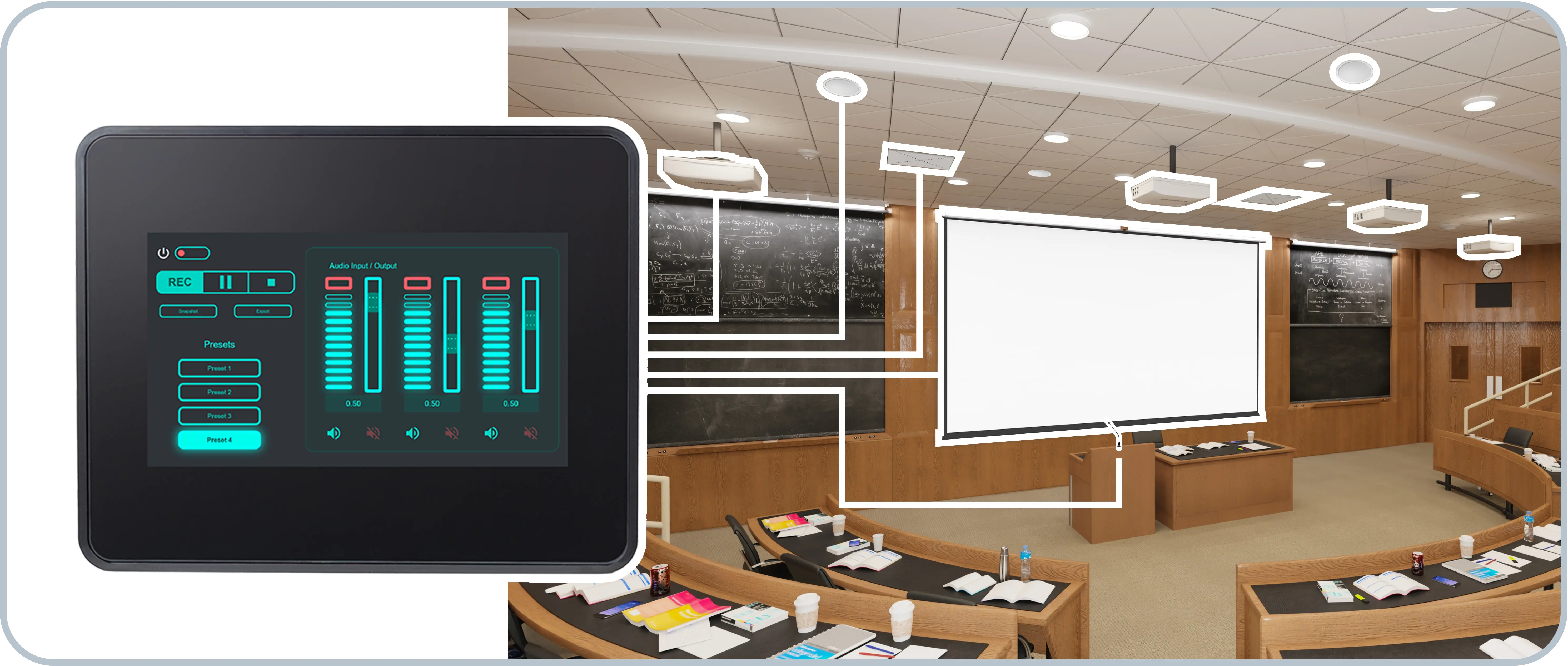
Audio may be central to the Symetrix story, but Cognio control is not limited to audio. A single interface can bring together volume and mute controls, source selection, cameras, displays, amplifiers, lighting, presets, room-combining functions, and other compatible AV or facility technologies. Cognio can send and receive third-party commands, while custom modules and scripting support more advanced integration requirements.
The user should not need to think about which manufacturer supplied each component; rather, the interface should be organized around what they want the room to do. That is the larger promise of modern AV control: sophisticated systems that feel simple, consistent, and natural to operate.
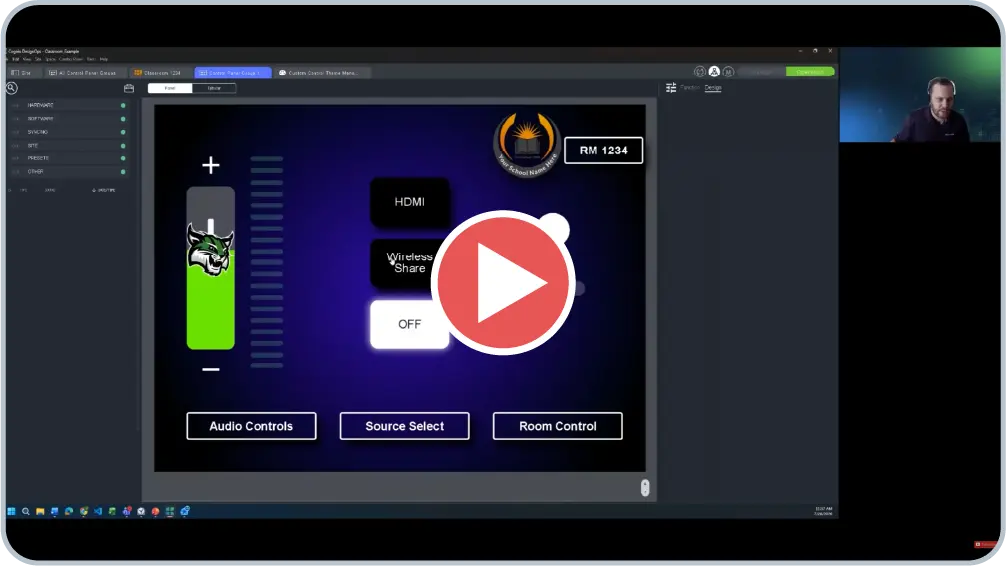
See Cognio DesignOps in Action
Watch the on-demand Symetrix webinar to see how Cognio DesignOps can turn control interface creation into a faster, more flexible, and more reusable part of the AV design process.
Cognio Control Interface FAQs
How do users navigate between pages in a Cognio control interface?
Navigation can be assigned to buttons and other interface objects within DesignOps Software. Designers can direct users to the next page or to a specific page within a Control Panel Group.
For multi-page interfaces, recurring navigation elements can be configured to appear automatically in the same location on every page. This makes it easier to create consistent navigation without rebuilding the same controls repeatedly.
Can the interface change automatically based on what the system is doing?
Yes. A Cognio interface can display a different page or change which controls are available in response to system states, presets, or other events.
For example, when a divisible room is combined, the control panel can automatically display an interface designed for the larger, combined space. Controls can also be enabled, disabled, shown, or hidden as conditions change.
Can Cognio control more than audio equipment?
Yes. Cognio is designed to control complete AV systems, not only audio processing.
A single interface can manage audio levels, source selection, cameras, displays, amplifiers, lighting, presets, room configurations, and other compatible AV or facility technologies. The goal is to organize the interface around what the user wants to accomplish, regardless of which manufacturer supplied each device.
Can Cognio send commands to and receive feedback from third-party devices?
Yes. Cognio can send commands using TCP or UDP and receive information from compatible third-party equipment.
Designers can connect interface controls to these commands so that pressing a button performs an action on another device. Incoming feedback can also be used to update control states or drive system behavior. Lua scripting and custom modules are available for more advanced integrations.
Symetrix is also developing a library of reusable Cognio drivers for commonly used third-party products.
Can a Control Panel Group be reused at a different screen resolution?
Yes. Control Panel Groups can be exported, imported, copied, and adapted for other devices or projects.
DesignOps does not currently resize every interface element automatically when the resolution changes. Designers can change the target resolution, select the controls as a group, and reposition or resize them for the new display.
Do users need a dedicated touch panel to access a Cognio control interface?
No. Cognio Control Panel Groups are browser-based and can be accessed from a Cognio touch panel, computer, tablet, smartphone, or another compatible device connected to the appropriate network.
A direct URL can also be created for a specific room or control page, making it possible to provide kiosk-style access without first displaying system diagnostics or administrative information.
Is a separate control server required?
No. Control processing and browser-based interface hosting are built into Cognio products. This allows every Cognio device to support custom Control Panel Groups without requiring a separate server simply to provide the user interface.